
Open the document in an associated app (instead of in eWay-CRM) (also applies for emails)
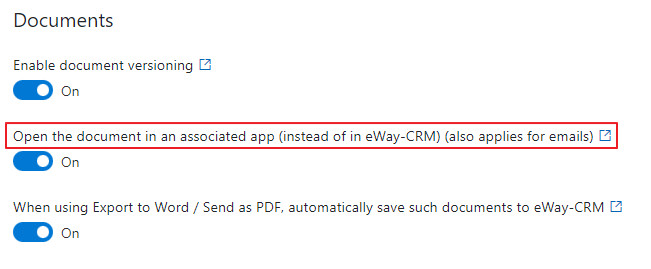
The setting is in: Administration Center > Features > General.
Open the document in an associated app (instead of in eWay-CRM) (also applies for emails) defines whether you will open a file or an item window for editing in eWay-CRM if you double-click such an item in their module lists. Setting is applied also on eWay-CRM Mobile.
Click Open the document in an associated app (instead of in eWay-CRM) (also applies for emails) to turn the setting on/off.
Behavior in eWay-CRM Online:
-
If the feature is enabled: Double-clicking downloads the file/open the link or downloads email directly.
-
If the feature is disabled: Double-clicking opens the document or email card in eWay-CRM.
Behavior in eWay-CRM Desktop:
-
If the feature is enabled: Double-clicking opens the file or email directly.
-
If the feature is disabled: Double-clicking opens the document or email card in eWay-CRM.
When you change the settings, be sure to click Save. For more information, go to Features.